WordPress plugin
WooCommerce Extra Fees Pro
WooCommerce Extra Fees Pro lets you define named fees for the cart and checkout. Set each charge as a fixed amount or a percentage, select whether it is taxable, and assign a tax class. Optional fees let customers decide whether to add a service, such as assembly.
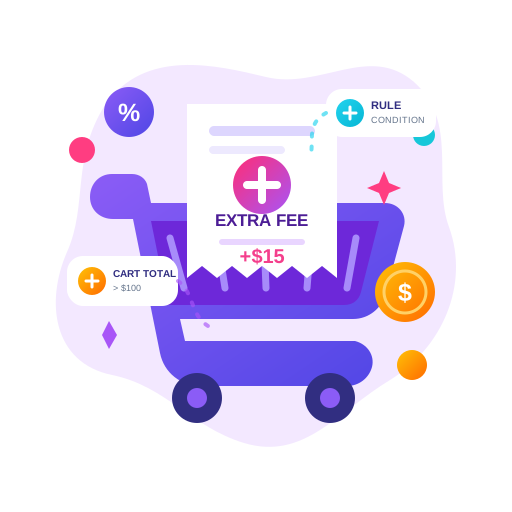
WooCommerce Extra Fees Pro lets you define named fees for the cart and checkout. Set each charge as a fixed amount or a percentage, select whether it is taxable, and assign a tax class. Optional fees let customers decide whether to add a service, such as assembly.
Choose the conditions for each fee
Rules can check cart subtotal, minimum order amount, coupons, quantity, product count and total weight. Product conditions can target products, categories, tags, attributes, subscription products or shipping classes. You can also use the WooCommerce shipping zone.
Customer rules can use country, state, postcode, visitor or user role. Pro adds rules for selected payment and shipping methods, first orders and customer order history. Product attributes can include numeric values, and Pro rules can match exact sets of products or categories. Combined fees can apply when all specified fees match or when any one of them matches.
- Set different fees for quantity, weight, subtotal or product-count conditions.
- Check whether a product quantity is a multiple or non-multiple of a specified value.
- Use shortcodes to calculate quantities for selected products or categories, total cart quantity, or the number of distinct products in a category:
[selected_product_qty],[qty]and[selected_product_count]. - Apply percentage calculations to the subtotal after discounts; Pro options can include shipping in that calculation.
Set location and timing rules
Fees can be limited to a date range or day of the week. Pro also supports a time range within the day. For rules based on a selected delivery or pickup date, day, or customer choice, the add-on works with an order date and time plugin.
IP-based country rules require MaxMind GeoIP configured in WooCommerce integration settings, or the Cloudflare IP geolocation header when using Cloudflare CDN.
Explain optional charges to customers
Pro lets you display optional fee checkboxes on a cart page that uses the [woocommerce_cart] shortcode. You can set a message beside the checkbox and a separate description for the applied fee. A fee description can also appear as a checkout tooltip. Multiple fees can have distinct titles.
Multi-currency rules can apply fees for specific currencies. Optional-fee checkboxes are also supported on the WooCommerce cart block.
Set up and review fee rules
In your WooCommerce site, make one or more fee rules, give each a title, choose its amount type and tax settings, then define the conditions that trigger it. Review the cart and checkout flow to confirm the fee, optional setting, message and tax behavior. Both the free and Pro versions are stated to be HPOS compatible.