WordPress plugin
Swatchly Pro for WooCommerce product variation choices
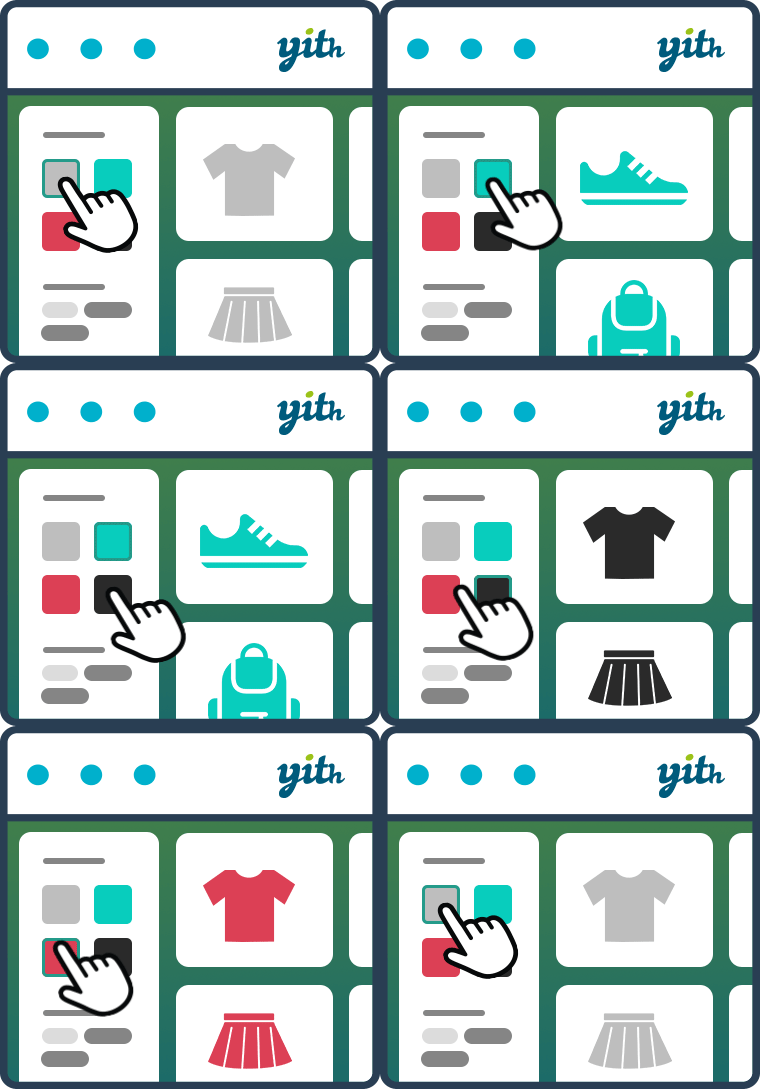
Swatchly Pro presents WooCommerce product variations as selectable swatches on product pages and shop or archive listings. Assign a display type to each attribute, such as color swatches for colors and labels for sizes, materials, finishes, or configurations. Selecting a variation can also update the main product image.

Swatchly Pro presents WooCommerce product variations as selectable swatches on product pages and shop or archive listings. Assign a display type to each attribute, such as color swatches for colors and labels for sizes, materials, finishes, or configurations. Selecting a variation can also update the main product image.
Swatch types and variation controls
Use color, image, label, or multi-color swatches, with radio button swatches available in Pro. Pro can make image swatches from variation images, and you can control automatic conversion for individual products. Highlight selected attributes or use catalog mode for B2B stores.
Tooltips can provide extra text or image details. Unavailable choices can display a cross sign, a blur effect, both, or be hidden. Pro can also hide out-of-stock variations automatically.
Product and shop display
Set swatches to appear on product pages and shop or archive pages. Shop-page display limits control how many choices appear for each product. Ajax add to cart includes a product without reloading the page, and the cart button text can be customized. PHP conditions can show or hide swatches programmatically when specific display rules are needed.
Presentation options include square, rounded, or circular shapes, alignment, dimensions, borders, spacing, padding, typography, and colors. The responsive interface includes touch-optimized targets for phones and tablets.
Configure Swatchly
- Install and activate the Swatchly plugin in a WooCommerce shop.
- Choose a swatch type for each product attribute.
- Set global styling, tooltips, unavailable-option display, and shop-page placement.
- Adjust individual product settings where a product needs different behavior.
- Enable Pro settings such as Ajax add to cart, automatic image conversion, or out-of-stock hiding.
Standard setup uses the Swatchly settings and WooCommerce product attributes. PHP conditions and WooCommerce hooks are available for advanced placement and display rules. Premium benefits include priority support, regular feature updates, a 30-day money-back guarantee, and lifetime usage rights.