WordPress plugin
YITH WooCommerce Ajax Product Filter Premium
YITH WooCommerce Ajax Product Filter Premium lets store owners build product filters around the details shoppers use to compare products. Create presets, or saved groups of filters, for categories, tags, product taxonomies, and attributes such as size, color, material, or brand. Shoppers can also filter by price, reviews, sale status, and stock.
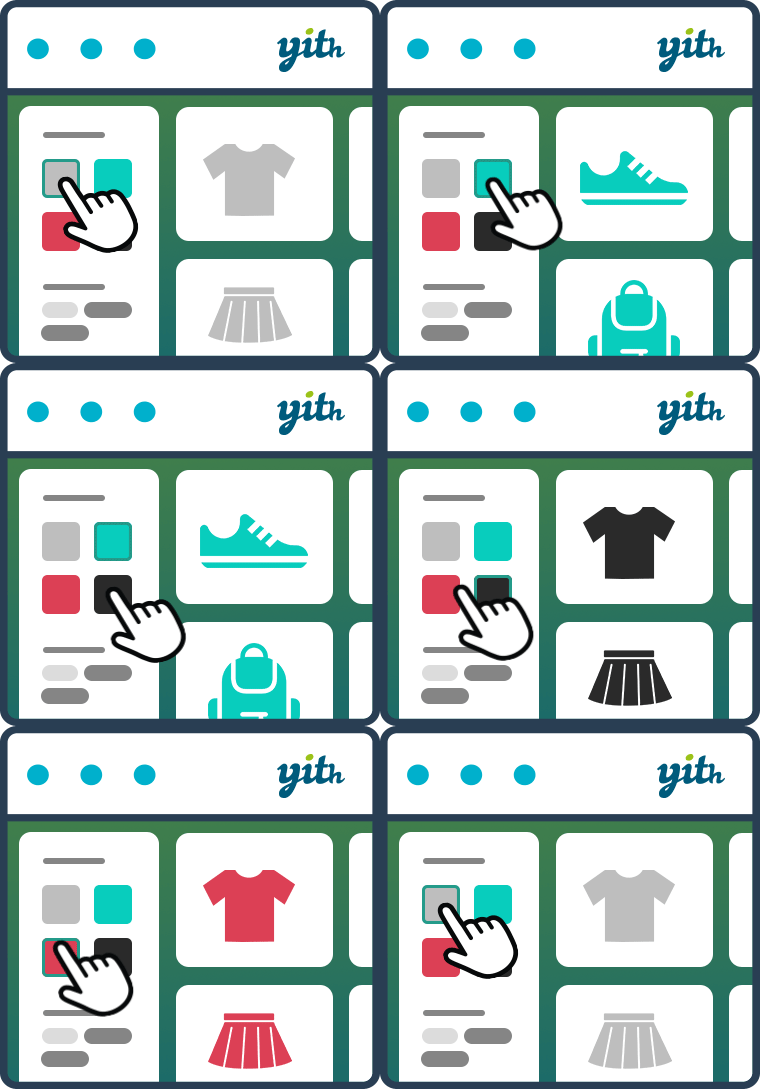
YITH WooCommerce Ajax Product Filter Premium lets store owners build product filters around the details shoppers use to compare products. Create presets, or saved groups of filters, for categories, tags, product taxonomies, and attributes such as size, color, material, or brand. Shoppers can also filter by price, reviews, sale status, and stock.
Assign presets to store pages
Create unlimited presets for the main shop, product category pages, or custom pages made with Gutenberg or Elementor. Add them with a widget, shortcode, Gutenberg block, or Elementor widget. If your store already uses the add-on's sidebar widgets, an automatic conversion tool can create presets from that configuration.
Choose how terms look and match
Present filter terms as checkboxes, selects, text fields, color swatches, or labels and images. Premium color filters include bicolor and picture layouts, and you can upload icons, photos, or other images to represent options such as patterns and textures. Set the term order, display or hide term hierarchies, and allow multiple selections with AND or OR logic. AND applies all selected conditions; OR matches products that meet any selected condition.
Adaptive filtering can hide terms unavailable for the current selection or keep them visible but unavailable to click. You can also hide empty terms and out-of-stock products automatically. Show term counts, add hover tooltips, show filters as toggles that start open or collapsed, and customize the filter area's appearance. A custom loader can appear while results update.
Set product results and sorting
- Filter by price with a slider or price ranges, including a final range for a specified amount and above.
- Sort products with AJAX by rating, price, popularity, or newest products.
- Choose instant AJAX filtering or give shoppers a button to apply their selections manually without AJAX.
- Display results on the same page or on a new page.
- For variable products, include a product in filtered results only when at least one variation matches the selection, and replace its image with the matching variation's image.
- Use the add-on with the YITH WooCommerce Brands Add-on plugin.
Adjust mobile filters and filtered URLs
On smartphones and tablets, display filters in a modal window. Choose where the reset button and active filters appear: above the products, above the filter area, or below it. Active filters can include an X control so shoppers can remove selections.
Permalink settings can leave URLs unchanged, add selected filter terms, or use a custom shorter permalink. You can also enable or disable search engine indexing for generated filter URLs.
Configure the plugin
Install the Premium plugin on your WordPress site, create presets for the pages that need filters, then add each preset using a widget, shortcode, block, or Elementor widget. Choose the filter data, layout, selection behavior, and mobile settings for each preset.