WordPress plugin
Countix Sales Countdown Timer Pro
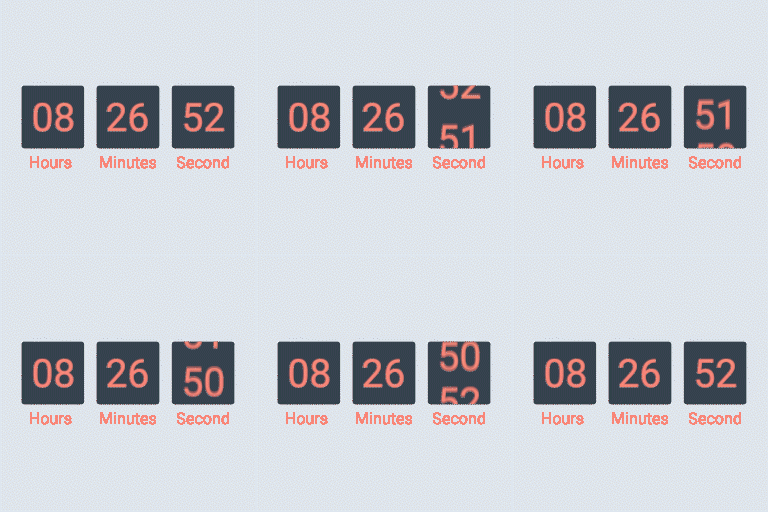
Countix Sales Countdown Timer Pro adds countdowns to WooCommerce sale campaigns. A product timer can follow the scheduled sale time or use a specific time set in hours and minutes. Apply settings to simple products or variations, or choose products in bulk.
Configure product sale timers
Countix Sales Countdown Timer Pro adds countdowns to WooCommerce sale campaigns. A product timer can follow the scheduled sale time or use a specific time set in hours and minutes. Apply settings to simple products or variations, or choose products in bulk.
Display timers on single product pages and archive pages, including shop and category pages. Choose a position before or after the product price, sale flash badge, or Add to Cart button, or inside the product picture. You can show or hide timers on shop pages, category pages, and related products.
For a future campaign, show a customizable message with the time remaining until the sale begins. A sale-ended message can include the {countdown_timer} shortcode, which can also show a clock in supported page content. Standalone shortcode timers use a time selected in the plugin settings and do not require WooCommerce. Multiple timer profiles can have separate general and styling settings.
Read campaign quantity progress
The sale progress bar reports products available, sold, and remaining for a campaign. Use {quantity_sold} and {quantity_left} in its message to state those counts. Other placeholders provide the percentage sold, percentage left, and the goal set on the product page. Choose whether progress increases or decreases, which order statuses count toward it, and whether the bar appears above or below the countdown. Width, height, colors, and border radius are configurable.
Set checkout offers and timer appearance
The Pro checkout countdown can offer a promotion when the cart meets a minimum total. If the order is not placed before the countdown ends, you can configure a reset period for the cart. Offers can include free shipping or a fixed or percentage discount, and can change at specified timer values. Choose the pages where the checkout timer appears.
Style the timer with controls for time separators and format, text, background and border colors, padding, border radius, timer items, and time-value typography.
Install and set up
Install and activate Countix Sales Countdown Timer Pro on a WordPress WooCommerce website. Create or select a campaign, configure its timing, choose products or page locations, and adjust its appearance. For checkout campaigns, set the minimum cart total, reset behavior, offer rules, assigned pages, and styling.
Each purchase includes six months of support from VillaTheme for Countix Sales Countdown Timer.