WordPress plugin
YITH WooCommerce Wishlist Premium
YITH WooCommerce Wishlist Premium is for WooCommerce stores that need customer wishlists alongside tools for reviewing wishlist activity, sending product-specific promotional emails, and receiving estimate requests. WooCommerce is required.
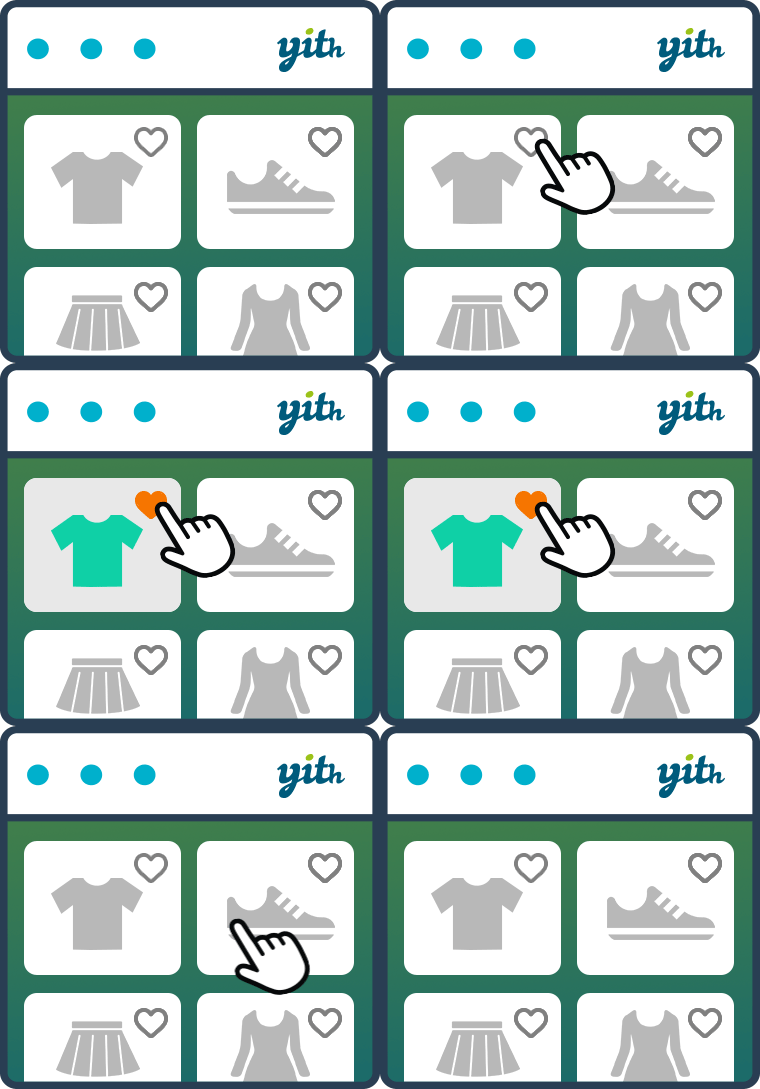
YITH WooCommerce Wishlist Premium is for WooCommerce stores that need customer wishlists alongside tools for reviewing wishlist activity, sending product-specific promotional emails, and receiving estimate requests. WooCommerce is required.
Review wishlist activity and requests
Store administrators can view wishlists created by logged-in customers and see which products are popular in wishlists. They can send promotional emails to visitors who saved a specific product. An Ask for an estimate button lets customers send their wishlist contents to the administrator and request a quotation; optional notes give them space to add details.
Stores can enable or disable wishlist functions for unlogged users. When those capabilities are disabled, a notice can invite users to log in.
Organize and share customer lists
Shoppers can create as many wishlists as they want, rename or delete them, and add or remove products. They can search for and view registered wishlists. Each list can be public, private to its owner, or shared only with selected people. Customers can share lists with friends or relatives for occasions such as birthdays and Christmas, or on social networks.
- Adjust entry quantities, drag and drop products to arrange their order, or move an item to another wishlist from the wishlist table.
- Save product variations, such as a selected color or size, with the product.
Choose how products appear
The wishlist table can show product price variations in an Amazon-style presentation and include multiple Add to Cart buttons. Store options let you choose the wishlist page and layouts, choose displayed table columns, and set where the Add to wishlist shortcode appears. The Add to wishlist button can also appear on the shop page, and the Remove from wishlist button can appear when a product is already saved. Widgets help customers find their wishlists.
After installing the extension, configure the wishlist page and display options, then enable the customer management, sharing, promotional email, or estimate request features that suit the shop.