WordPress plugin
Social Media Feed Gallery Premium for Instagram Galleries
Social Media Feed Gallery Premium uses an Instagram access token to fetch public photos, Reels, and videos and display them in responsive WordPress galleries. Private account posts cannot be fetched. Video thumbnails show a play icon; users can browse media in a lightbox or follow links to the original Instagram posts.

Social Media Feed Gallery Premium uses an Instagram access token to fetch public photos, Reels, and videos and display them in responsive WordPress galleries. Private account posts cannot be fetched. Video thumbnails show a play icon; users can browse media in a lightbox or follow links to the original Instagram posts.
How the feed loads
The add-on fetches media through the Instagram Graph API, a service from Meta Platforms, Inc. Each time a gallery shortcode loads, a server-side request sends the access token, media IDs, and query parameters for the requested picture or video fields and limits. Tokens can expire and may need periodic renewal if the feed stops loading.
Choose a layout and browsing options
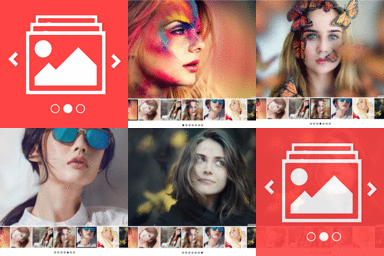
Premium includes Grid, Masonry, Mosaic, Carousel, and Post layouts. Grid offers an orderly arrangement, Carousel presents media in a scrolling gallery, and Post gives the display a more post-focused format. Choose among these styles for a portfolio, campaign page, brand feed, or editorial section.
Set one to six columns, adjust image spacing, or select the no-spacing option. Captions can appear over images on hover. Visitors can open media in a lightbox with navigation controls or follow direct links to the original posts.
Show more details and media
- Display more than 200 images in a gallery and use album support.
- Show like counts, comment counts, and visitor profile information.
- Add a Load More button for pagination and social sharing icons.
- Adjust lightbox colors, custom link settings, and styling with the custom CSS field.
Set up and publish a gallery
Install and activate the add-on in WordPress. Generate an Instagram access token through Facebook's developer portal, enter it in the plugin settings, then choose a layout and adjust columns, spacing, captions, links, and lightbox preferences. Configure engagement details, pagination, sharing icons, or custom styling as needed. Use the shortcode generator and add the shortcode to a page, post, or widget.