WordPress plugin
Safelayout Cute Preloader Pro: WordPress CSS3 Loading Screens
Safelayout Cute Preloader Pro displays an animated screen while WordPress content loads. Configure its appearance in the administration panel, then select where it appears and how users can interact with it. The animation system uses pure CSS and does not rely on GIF animation.
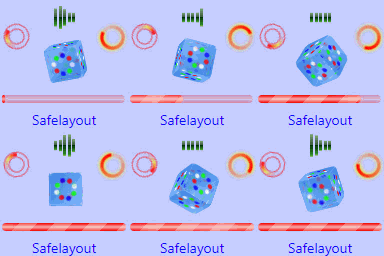
Safelayout Cute Preloader Pro displays an animated screen while WordPress content loads. Configure its appearance in the administration panel, then select where it appears and how users can interact with it. The animation system uses pure CSS and does not rely on GIF animation.
Configure the loading screen
Choose from 35 loading animation icons and 18 background exit effects. Background animation and geometric patterns provide options for the screen behind the loader. Add a custom logo or loader image, apply brand image animation effects, or enter custom text with one of 11 text animation effects.
Set gradient colors for the icon, progress bar, and background. Icon filters, a progress bar, and a counter provide further show options.
Assign designs to content and devices
The Special Preloader feature works with multiple preloaders on one site. Assign various designs to specific pages, posts, or data types, such as products. Device controls let you show a preloader on all devices, mobile only, or desktop only.
Set timing and user controls
Choose minimum and maximum runtime settings for the preloader. You can also enable a close button so visitors can dismiss the screen.
Set up and review
Install the extension and open its administration panel. Choose an animation, configure colors and background effects, add a logo or loader image, and enter any custom text. Set device visibility and runtime values, then choose whether to enable the close button.
For multiple designs, create the required Special Preloader configurations and assign each one to its intended pages, posts, or data types. Review the result on the relevant devices and site sections before publishing.