WordPress plugin
ALL ACCESS MEMBERSHIP | Order Status Control for WooCommerce
ALL ACCESS MEMBERSHIP unlocks all 19 premium WooCommerce add-ons with one club membership. It includes Order Status Control for WooCommerce, which lets shop administrators select the condition that moves an order to completed.
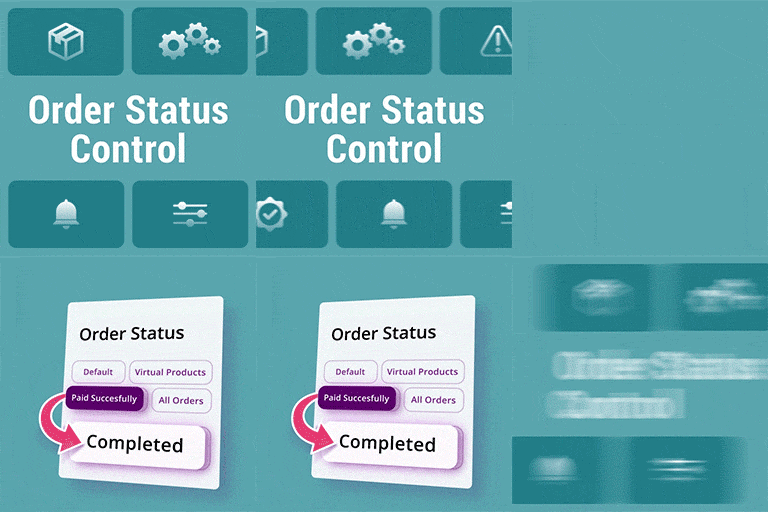
ALL ACCESS MEMBERSHIP unlocks all 19 premium WooCommerce add-ons with one club membership. It includes Order Status Control for WooCommerce, which lets shop administrators select the condition that moves an order to completed.
WooCommerce automatically completes downloadable products by default, while virtual products do not receive the same default treatment. Set the Order Status Control option under WooCommerce > Settings > General to select a completion method.
What triggers completion
- Default WooCommerce method: Keep the standard WooCommerce order behavior.
- Only virtual products: Complete orders that contain virtual products and no physical products. Orders containing physical products do not meet this condition.
- Successful payment: Complete orders after payment succeeds. This applies to orders containing physical products as well as virtual products.
- All orders: Complete an order when the customer reaches the thank-you page, regardless of the order contents or payment status, including offline payments.
Choose the virtual-products method when orders without physical fulfillment should be completed. Use successful payment as the trigger when paid orders should complete whether they contain virtual or physical products. The all-orders method uses thank-you-page arrival as its trigger, even for offline payments.
Install and configure
In the WordPress dashboard, open Add New Plugin, search for Order Status Control, select Install Now, then activate the add-on. Go to WooCommerce > Settings > General, find Order Status Control, and choose the method that matches the shop’s workflow.